Random Group Generator
Paste your class list and get fair random groups in one click. Keep certain students together or apart, hand out group roles, then put the groups on the board or print them. Free, no sign-up, nothing uploaded.
Split by
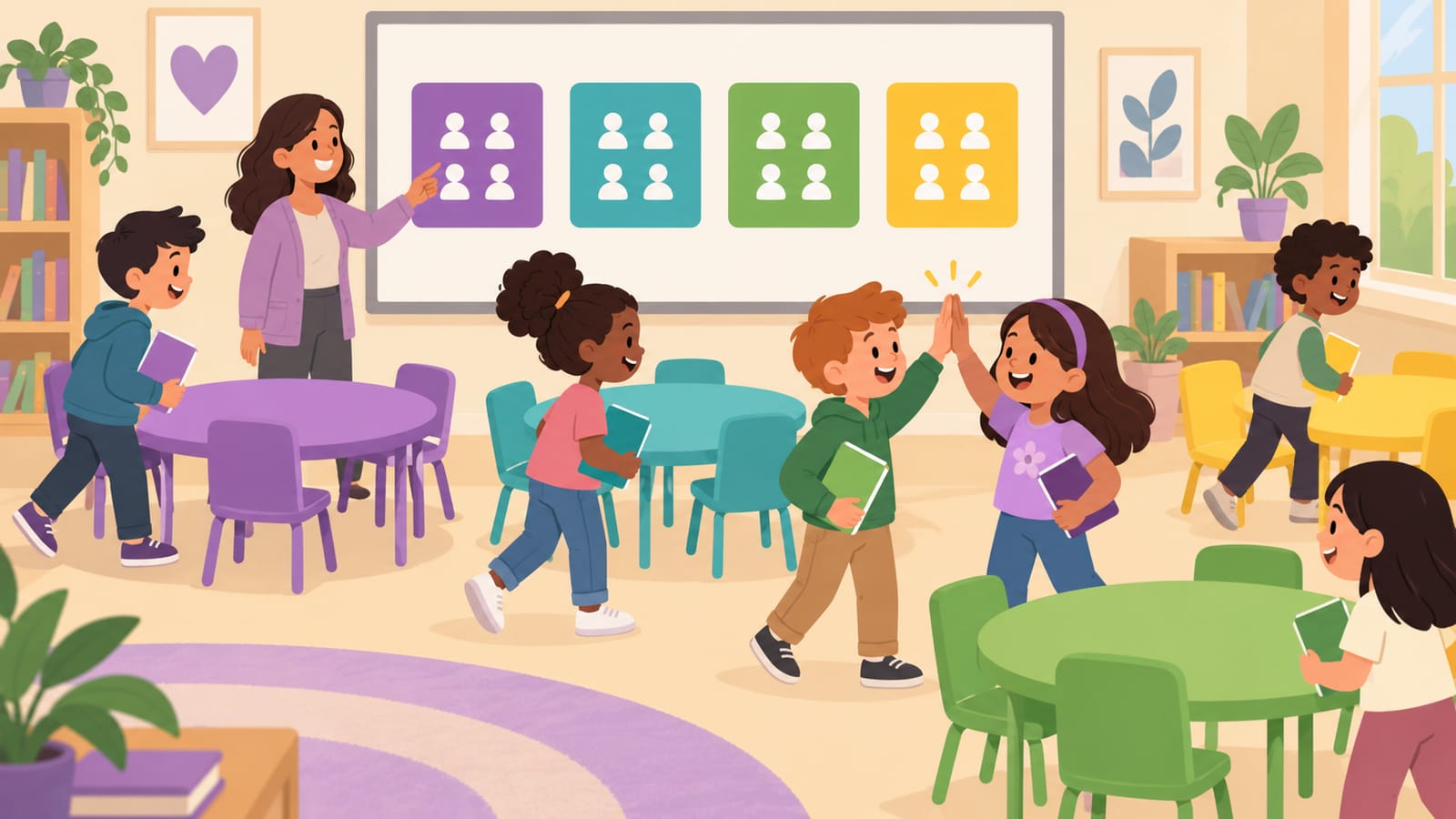
Random Groups, With the Rules Teachers Actually Need
Purely random groups are fair, but every teacher knows the two students who should never share a table — and the new student who needs a buddy. A random group generator with rules gives you both: the class sees a fair shuffle, and you quietly keep the pairs that matter together or apart.
- Paste the class list from a spreadsheet or roster — one name per line or comma separated.
- Pick the size: pairs for peer review, trios for labs, fours for projects — or a fixed number of groups for stations.
- Add rules (optional): “Ava + Ben” under keep together, “Diego + Emma” under keep apart.
- Make groups, then show them on the board, print them or copy them. Not happy? Shuffle again — the rules stay.
Example: 18 students, 5 groups, 3 rules
Rules: Ava + Ben together, Diego + Emma apart, Kai + Luna apart. One shuffle:
- Group 1: Emma, Chloe, Kai, Rosa
- Group 2: Ben, Ava, Nia, Mateo
- Group 3: Omar, Jonah, Isla, Priya
- Group 4: Diego, Hiro, Finn
- Group 5: Luna, Quinn, Grace
What size should student groups be?
- Pairs: think–pair–share, peer editing, reading buddies. Everyone talks.
- Groups of 3–4: the sweet spot for projects and labs — big enough for ideas, small enough that nobody hides.
- Groups of 5–6: stations, debates and games where roles keep everyone involved.
Give each group something to talk about with a morning meeting question or a would you rather question, and time it with the classroom timer. Picking teams for a game or sport? The random team generator balances by skill. Need one name, not groups? Use the random name picker.
Frequently Asked Questions
How does the random group generator work?
Paste your names, one per line or separated by commas. Choose people per group (pairs, trios, fours…) or a number of groups, then press Make groups. The list is shuffled fairly and dealt so no group is more than one person bigger than another — 23 students in groups of 4 become five groups of 4 and one group of 3.
Can I keep two students together or apart?
Yes. Open “Together / apart rules” and type one pair per line, like “Ava + Ben”. Keep-together pairs always land in the same group; keep-apart pairs never share a group. You can chain names (“Kai + Luna + Mateo”). If a rule can't be met — for example too few groups for everyone who must be apart — the tool tells you which one instead of silently ignoring it.
What are group roles?
Turn on Group roles and each member gets a random job: Leader, Recorder, Timekeeper, Reporter, Materials manager, Encourager. Roles keep everyone busy in group work and rotate fairly every time you shuffle.
Can I show the groups on the board or print them?
Yes. “Show on the board” opens a full-screen view with large, color-coded group cards — press Space to reshuffle and Esc to close. “Print groups” makes a clean printable page, and “Copy groups” copies them as text for your LMS or chat.
Is my class list saved or uploaded?
Nothing is uploaded. Saved class lists stay in this browser only (they are shared with our random team generator on the same device), so Period 3 is one click away next time.
What's the difference between this and the random team generator?
Both split a list fairly. This group generator is built for classrooms — together/apart rules, group roles and a board view. The random team generator is built for games and sports — balance by skill, lock players, team names and share links.
More free classroom tools
Every tool works on the board in projector mode or on a phone — no sign-up.
🧑🏫 For teachers · classroom pack
Question of the Day — 180 Days for the School Year
A bell-ringer for every school day: 36 weeks of themed questions (Community Monday to Fun Friday), each with a follow-up.
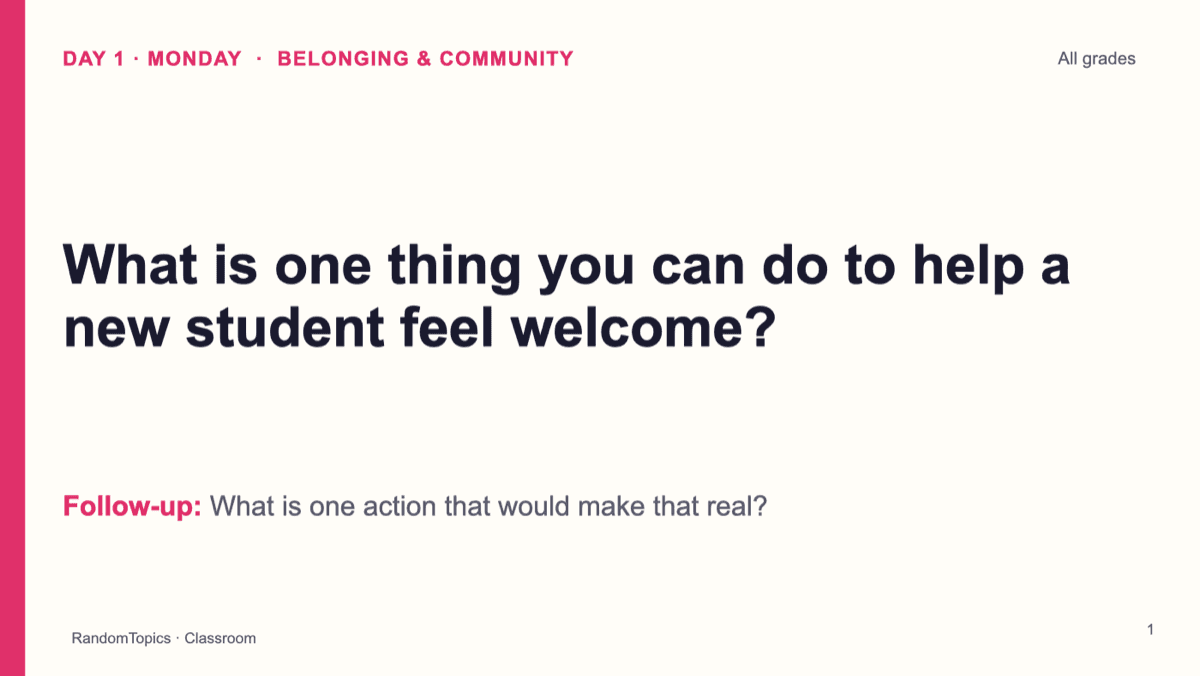
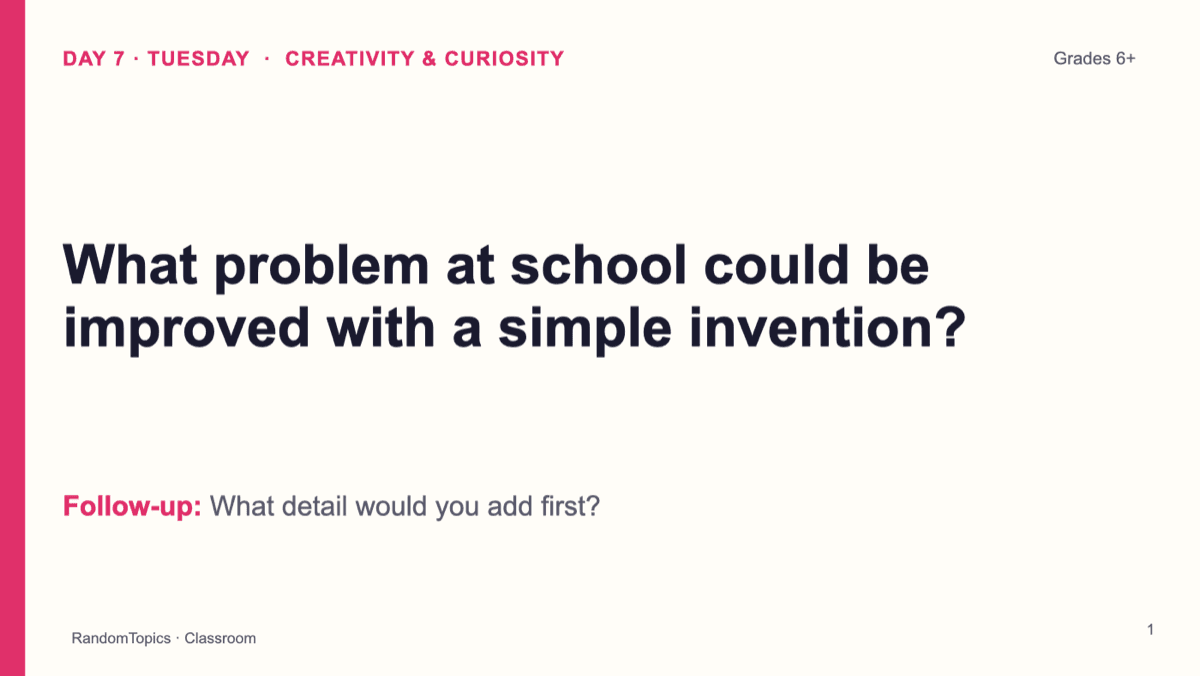
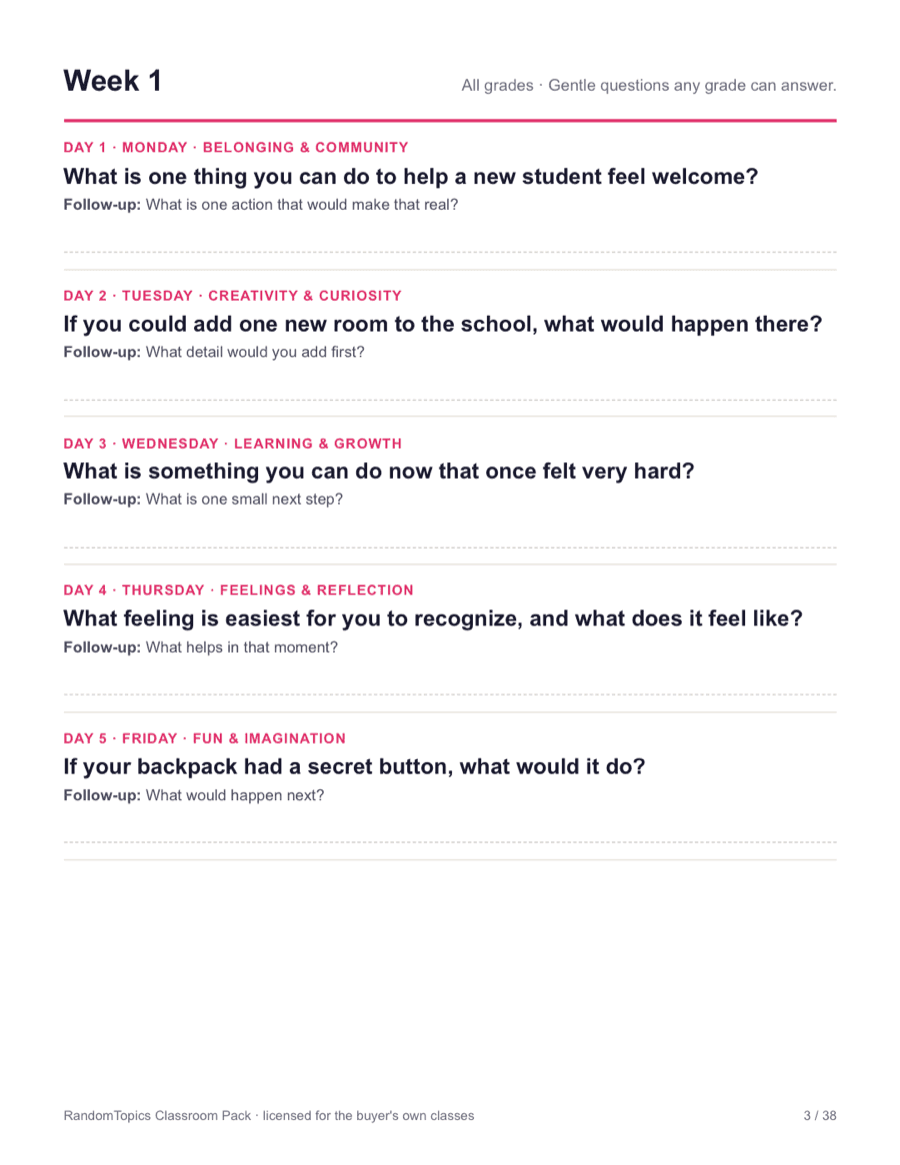
- ✓ Editable PPTX (opens in Google Slides)
- ✓ Printable PDF
- ✓ Ad-free full-screen presenter
One-time payment · no subscription · instant PPTX + PDF download · ad-free presenter mode. All packs includes every pack we add later.
See every classroom pack and the FAQ · Try the presenter with 5 free slides · Already bought? Your downloads